
Makeup light screen: using screen light for quick touch-ups
Learn how a makeup light screen works on a phone: position, intensity and tone for a live mirror, and why a daylight color check still matters.
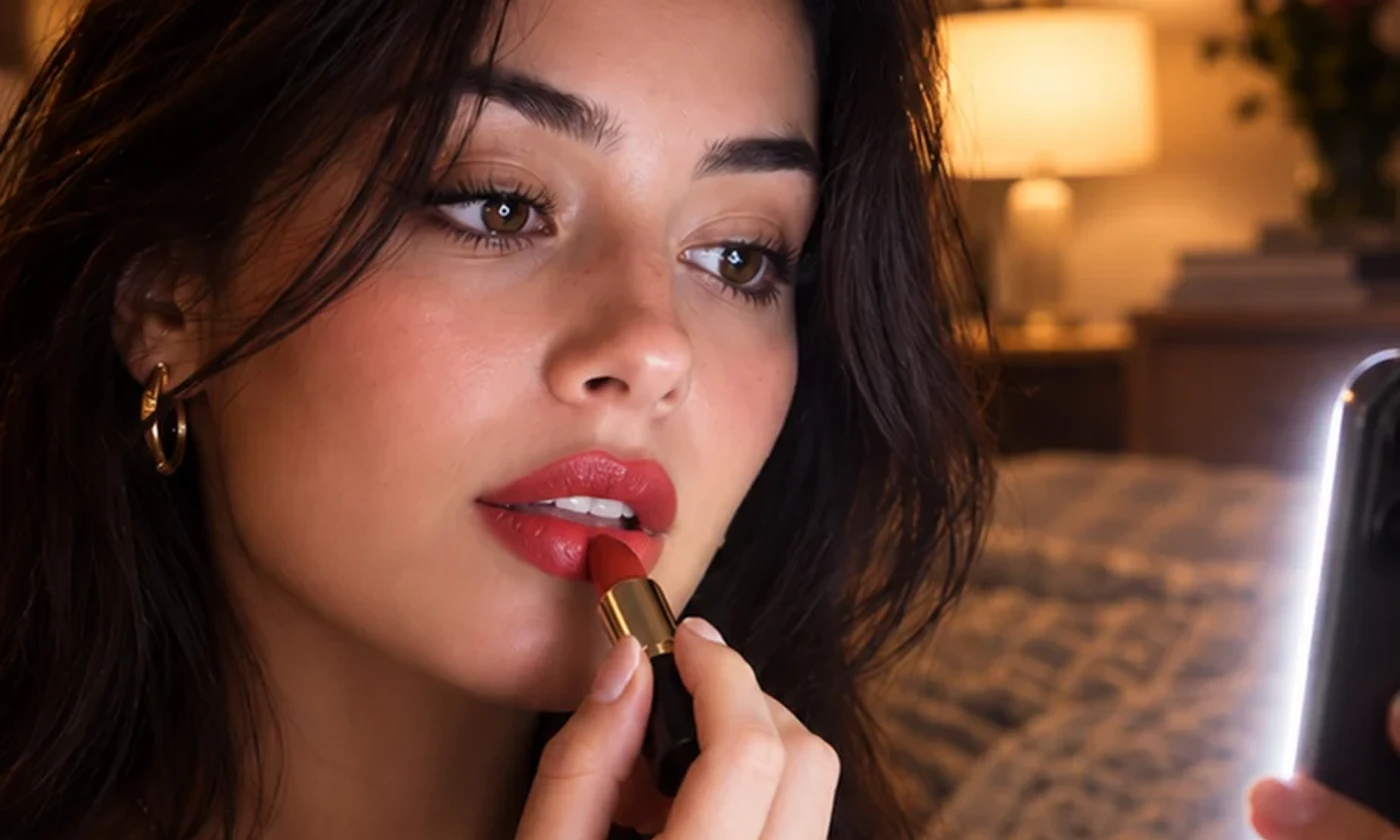
For a quick touch-up, useful light is light that reaches your face comfortably. A phone screen can help when a room is dim, especially at close range. It will not reproduce daylight or turn every front camera into a high-quality mirror.
Put the light in front of you
Start with the phone in front of your face, around eye level. A ceiling light alone can leave shadows around the eyes and under the nose. Light from the screen may soften those shadows, though the result depends on how bright the screen is relative to the room.
Avoid a strong light directly behind you. Try facing a window or a lamp rather than turning your back to it. If only one side of your face is lit, change your position before pushing the phone brightness higher.
Use enough light, not the most light
Begin at a comfortable intensity and increase it gradually. If the screen feels glaring or your eyes feel uncomfortable, lower the brightness, move it farther away or take a break. More brightness is not automatically more detail: the camera adjusts its exposure as lighting changes.
In Ring Light Mirror, ring width changes how much screen area is used for light around the reflection. A wider lit area leaves less room for the preview. Use the balance that lets you see what you need without forcing your eyes to work harder.
Understand warm, natural and cool
These settings describe the screen’s light appearance. They are not measurements of a calibrated lamp. Warm light adds a warmer cast; cool light adds a cooler one. The natural option is a practical starting point, not a guarantee of neutral color reproduction.
Your camera can adjust white balance automatically, and display settings can also affect the colors you see. For foundation matching or subtle blending decisions, make a final check in indirect natural daylight where possible. Do not rely on a single phone image to judge an exact color match.
Choose Ring or Panel for the task
Use Ring when you want the live mirror and surrounding light together. Use Panel when you want the whole screen to emit light, for example beside a separate mirror. Panel does not show the live mirror.
A phone can provide a convenient nearby light, but its useful range is limited. If you need consistent illumination over a larger area or for longer work, compare it with a physical ring light.
Keep the setup simple
Use a stable stand if you need both hands. Keep cosmetics, liquids and the phone safely separated. After using high screen brightness, return to a comfortable everyday level. Lighting the screen brightly can use more battery than leaving it dim.
If you have not set up the app yet, start with using your iPhone as a lighted mirror. No camera access is needed just to use the screen as a light.