
How to do makeup in low light with your iPhone
See enough of your face in a dim room, keep the screen comfortable and check color in better light before you leave.
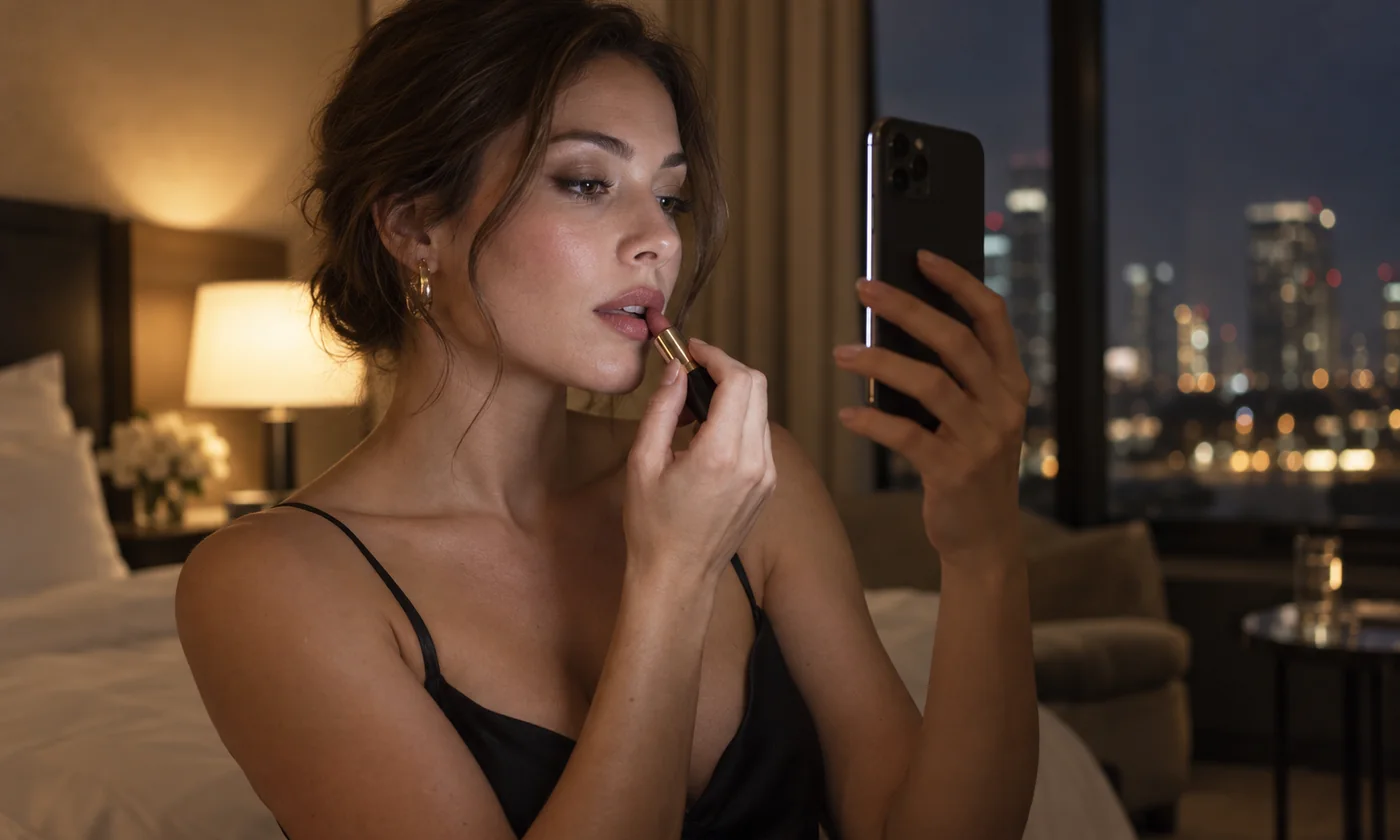
A dim bathroom, a hotel room at night or a hallway with one overhead bulb can make a simple touch-up harder. Your iPhone can help you see nearby details. It cannot turn a dark room into daylight, and the front camera is not night vision.
Get the light onto your face
Hold or stand the phone in front of you, around eye level. Light from above or behind you can leave shadows around the eyes and under the nose. In Ring Light Mirror, Ring combines a live preview with light around it. Panel fills the screen with light if you are using a separate mirror.
Keep the phone close enough for the screen to reach your face. A screen has limited output; moving it across the room will not light the space. If only one side of your face is visible, change position before raising brightness.
Use enough light to see, not to force the camera
Start at a comfortable intensity. Increase it only if the reflection is still too dark. Maximum brightness can make you squint and does not always reveal more detail: the camera adjusts exposure as the light changes.
If the preview looks grainy, move closer, add a nearby lamp or wait until you have better light. Noise in a dark room is a camera limit, not a setting you can fully remove. Hide the controls when you want more room for the reflection. Pinch to zoom from 1× to 3× for a closer look at a detail the camera already captured.
Color is the first thing low light gets wrong
Warm overhead bulbs, a warm screen tone and automatic white balance can all shift how foundation, blush and lipstick appear. Cool light can do the opposite. The natural tone in Ring Light Mirror is a practical starting point, not a guarantee of a daylight match.
When the exact color matters, check the result in indirect natural light before heading out. A phone image is a convenience check, not a calibrated preview.
Keep both hands free and the phone safe
If you need both hands, use a stable stand on a dry, level surface. Do not balance the phone on a sink or next to open liquids. Make sure the front camera is clean and uncovered. Lighting the screen brightly uses more battery than leaving it dim; return to a comfortable everyday brightness afterwards.
The app does not take photos or record video. You only need camera access for the live mirror; screen lighting also works without it.
Know when the phone is not enough
A screen-light app is useful for a quick check in a dim room. It is not a substitute for a dedicated lamp if you need sustained illumination, a larger area, or a setup that leaves your phone free. Read using screen light for makeup for positioning and tone, and screen light versus a physical ring light when you are deciding whether to add equipment.