
Your mirror.A little more light.
A dim room. A last-minute touch-up. Turn your iPhone into a lighted mirror, wherever you get ready.

For iPhone & iPad · iOS / iPadOS 17 or later
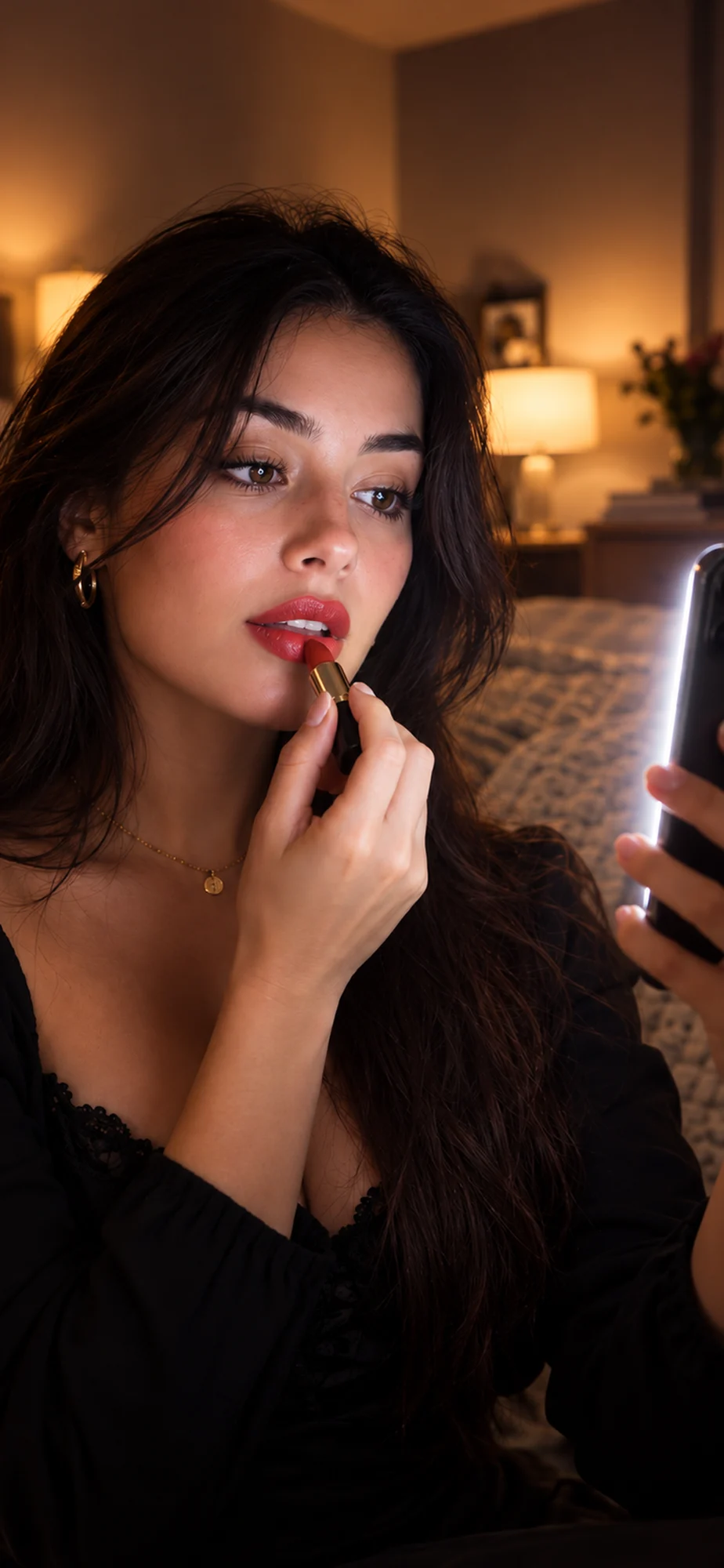
For the moments between going and gone.
Before heading out
Check your makeup without searching for the best-lit corner of the room.
Away from your mirror
Your front camera becomes a live reflection, surrounded by screen light.
When the room is dim
Adjust the intensity and choose a tone that feels comfortable. No hardware flash.
A mirror that makes room for you.
Open Ring mode, enable the mirror and bring the light closer. The rest is yours to adjust.
- Light, your way
- Choose warm, natural or cool. Adjust the intensity and the width of the ring.
- A closer look
- Pinch to zoom from 1× to 3×. Double-tap to reset. Hide the controls for more room.
- Just a reflection
- No photos or video recording. Your camera preview stays on your device.
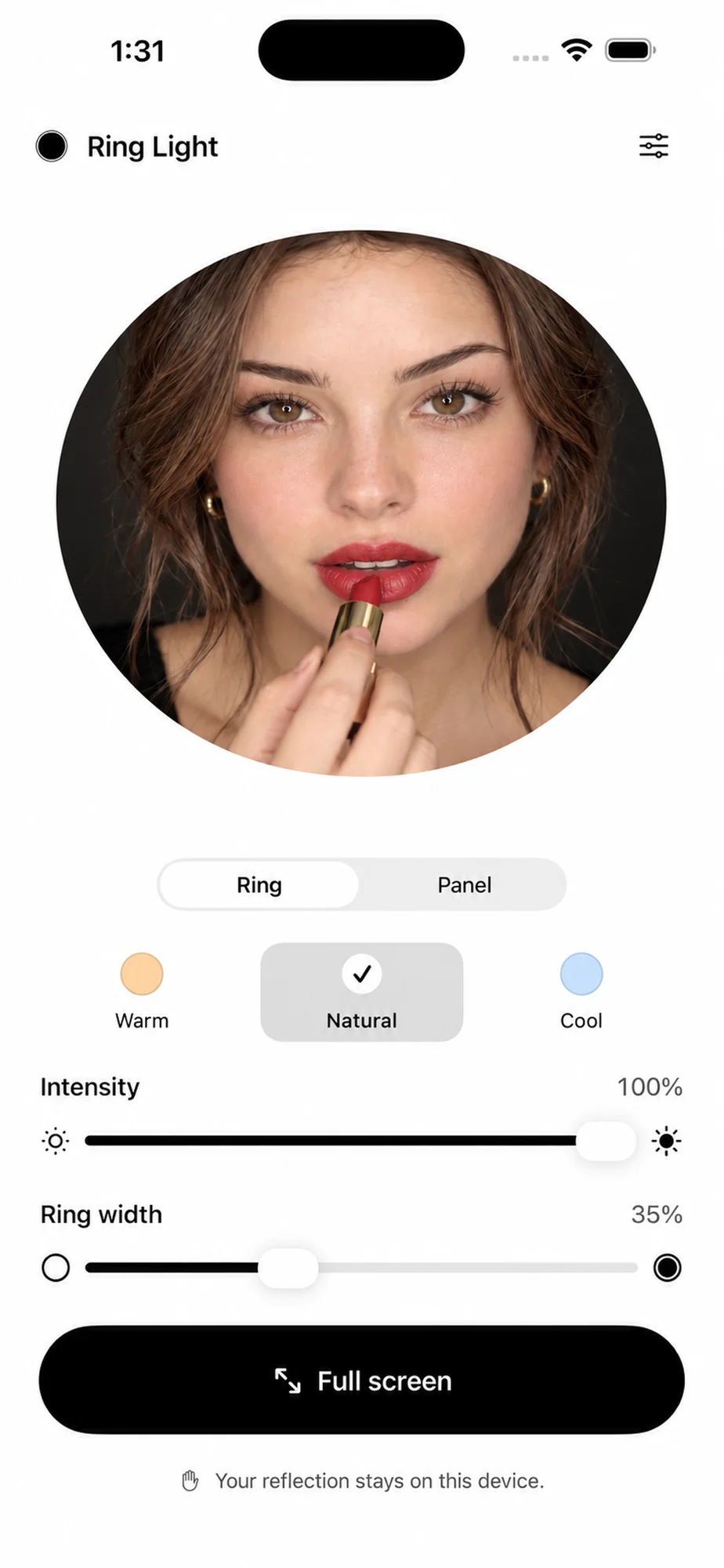
Tone illustration. Does not change device brightness.
Need light, not a mirror?
Switch to Panel to use the whole screen as a light. It can supplement a dim room, but it is not a replacement for a dedicated lighting setup.
Screen light or a physical ring light?A little light on the details.
Practical reading for your next touch-up. No elaborate setup required.
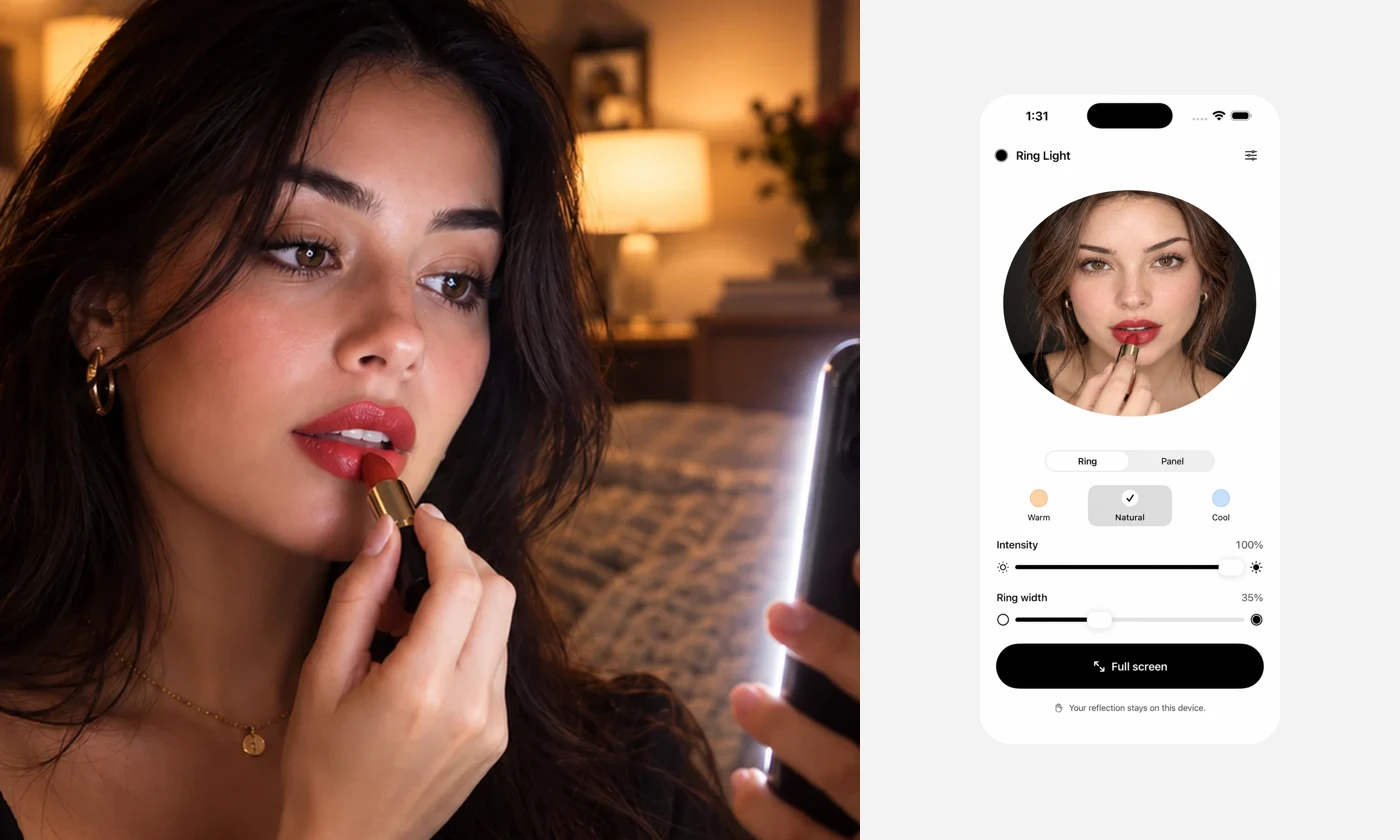
How to use your iPhone as a lighted mirror
Set up a live mirror with screen light, find a comfortable position and avoid the common mistakes that make a phone reflection harder to see.
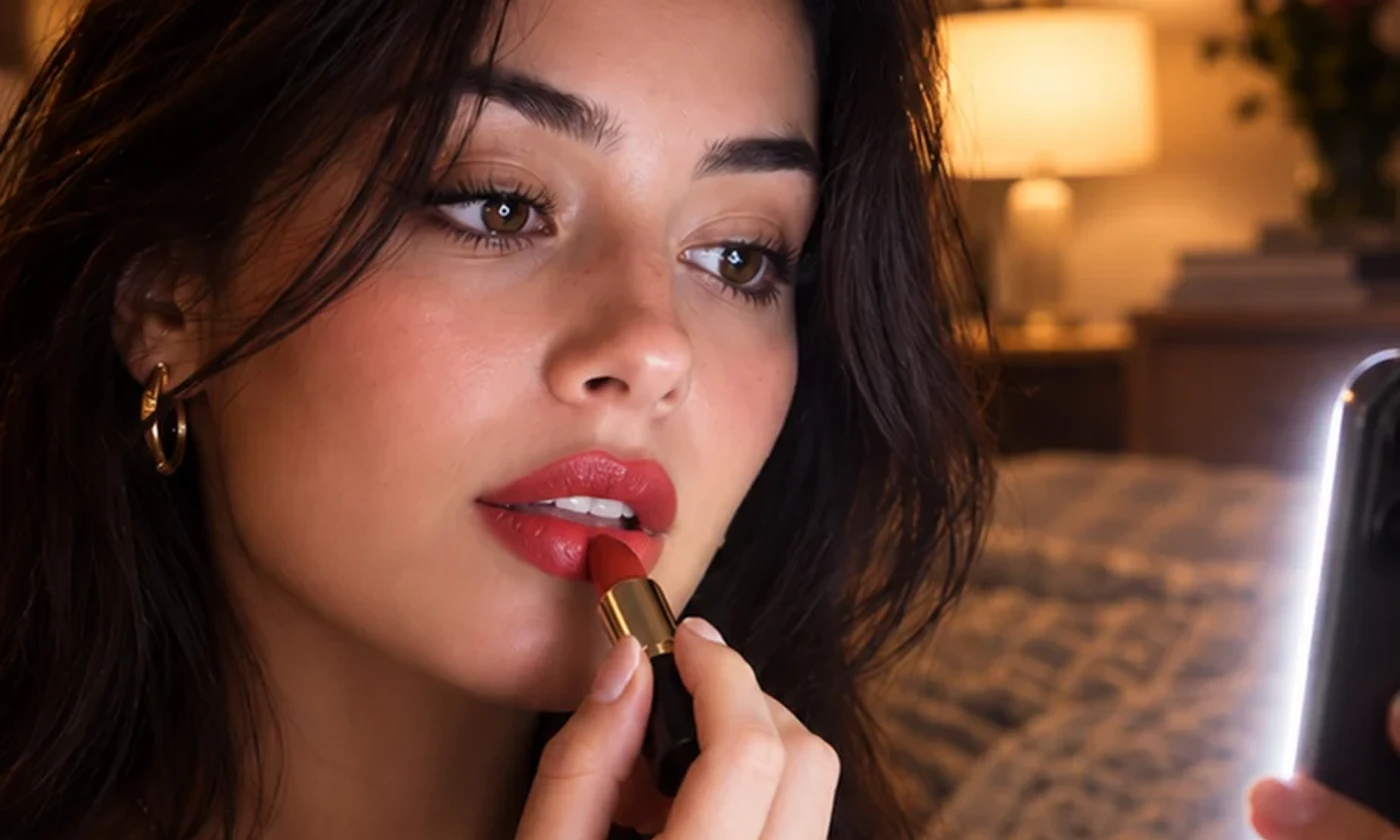
Using screen light for makeup and quick touch-ups
Learn how position, intensity and tone affect a phone mirror, and why a daylight color check still matters.
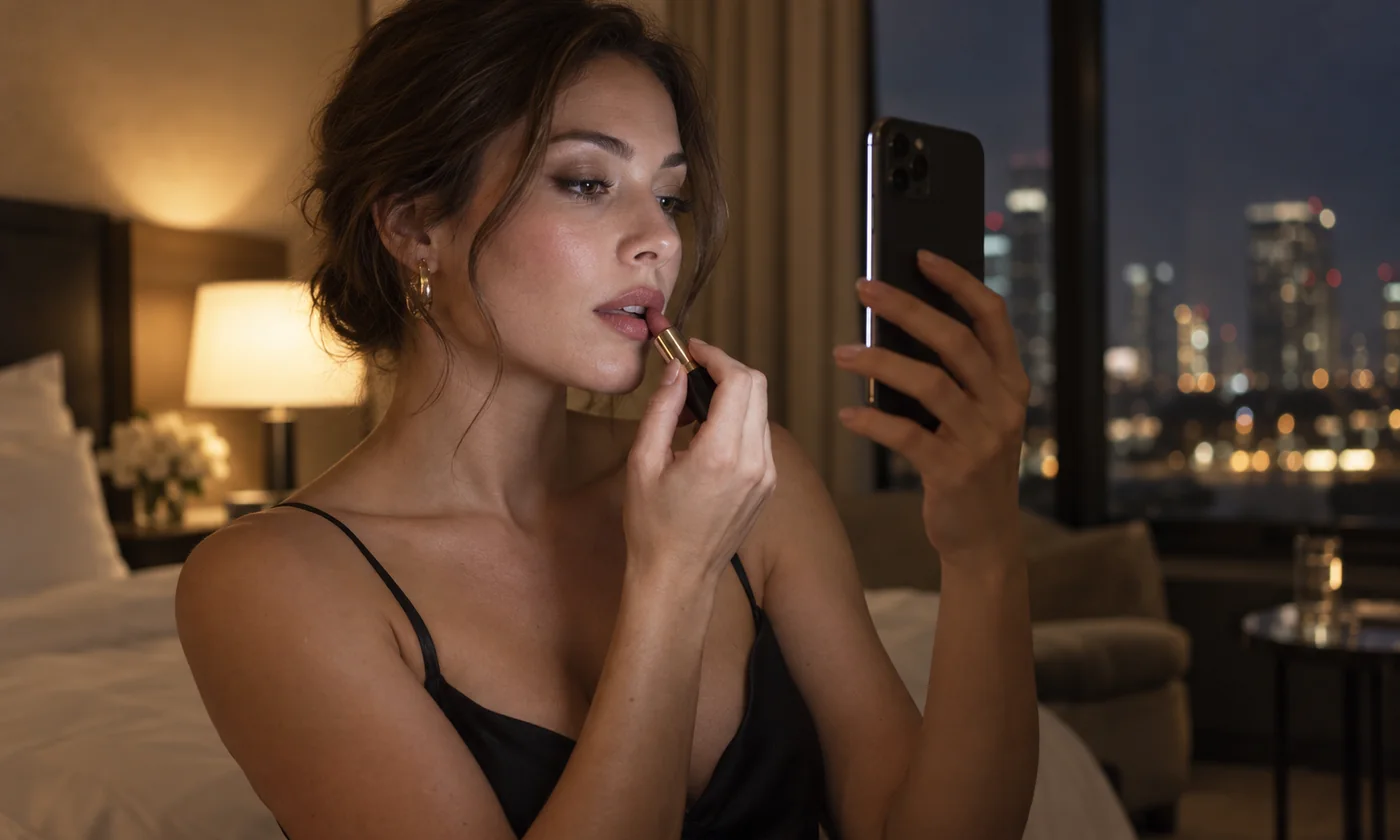
How to do makeup in low light with your iPhone
See enough of your face in a dim room, keep the screen comfortable and check color in better light before you leave.
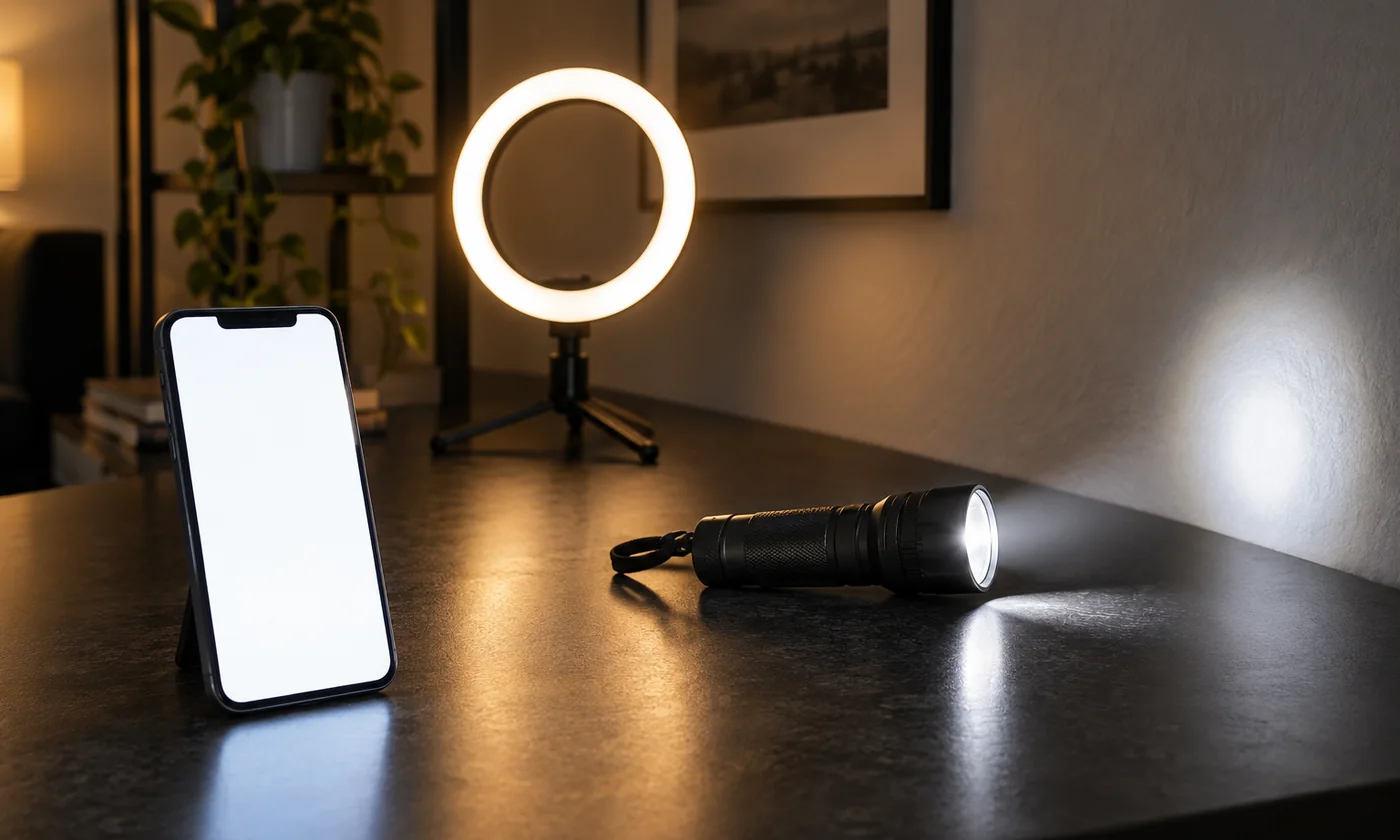
Flashlight, screen light, or a physical ring light?
Compare the iPhone LED flash, a screen-light app and a dedicated ring light for seeing your face. None of them is a studio setup.
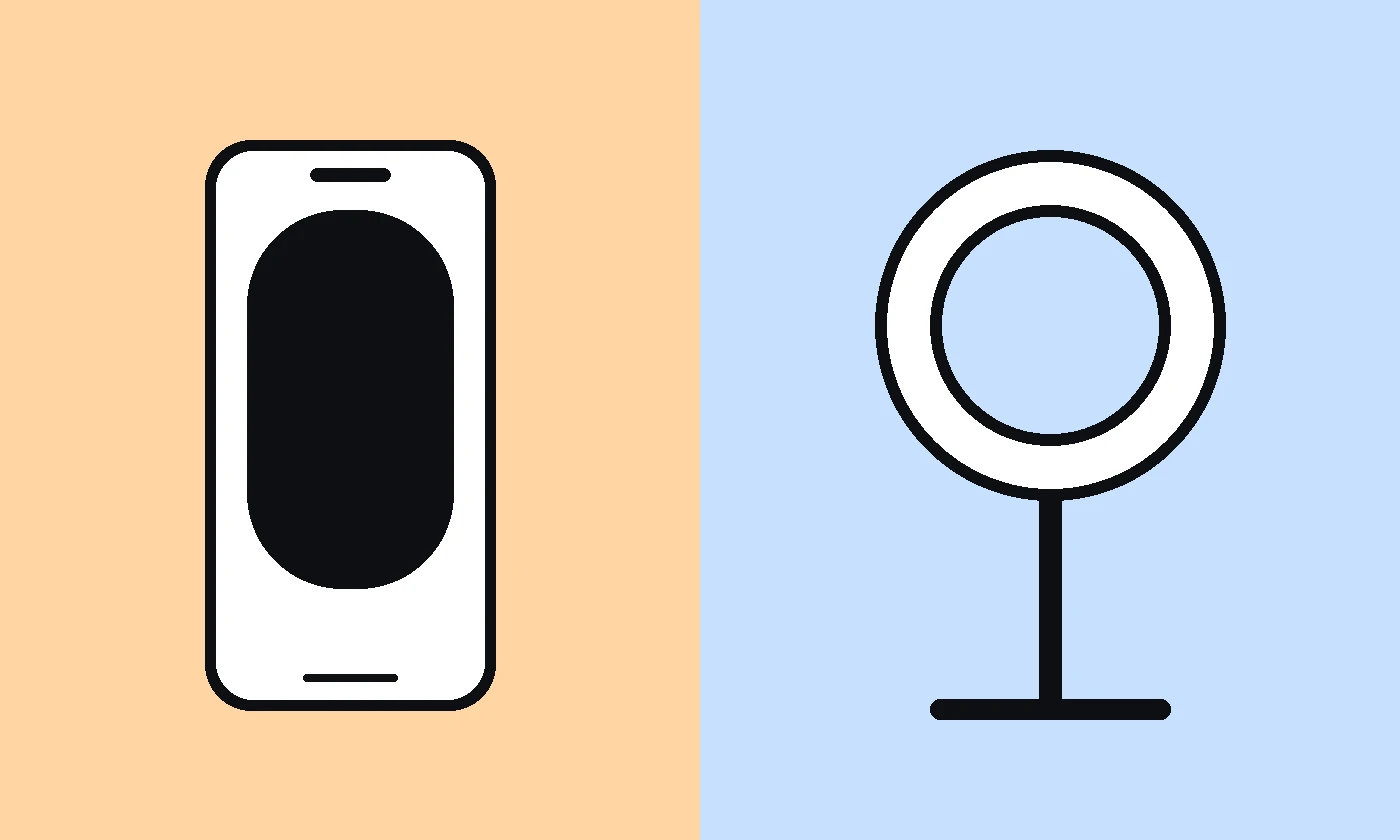
Screen light vs. a physical ring light: which do you need?
Compare a phone's screen light with a dedicated ring light for touch-ups, portability, makeup and lighting a larger area.
A few things worth knowing.
Does it work in a completely dark room?
The screen can illuminate a nearby face, but camera quality, screen brightness and distance all affect the result. It is not night vision.
Does the app use my camera?
Only the optional live mirror needs camera access. You can use screen lighting without enabling the mirror. The app does not take photos, record video or upload your reflection.
Is Ring Light Mirror free?
The current App Store version is free, with no ads or active in-app purchases. Check the store listing for the latest availability and terms.
Can I get it on Android?
Not yet. The Android version is not currently available on Google Play.
Will the colors match my makeup in daylight?
Not necessarily. Your screen, camera and room lighting can change how colors appear. Use natural daylight for a final color check when possible.
Keep a little light within reach.
Your next mirror is already in your pocket.