
Phone flash, screen light, or a physical ring light?
Compare the iPhone LED flash, a screen-light app and a dedicated ring light for seeing your face. None of them is a studio setup.
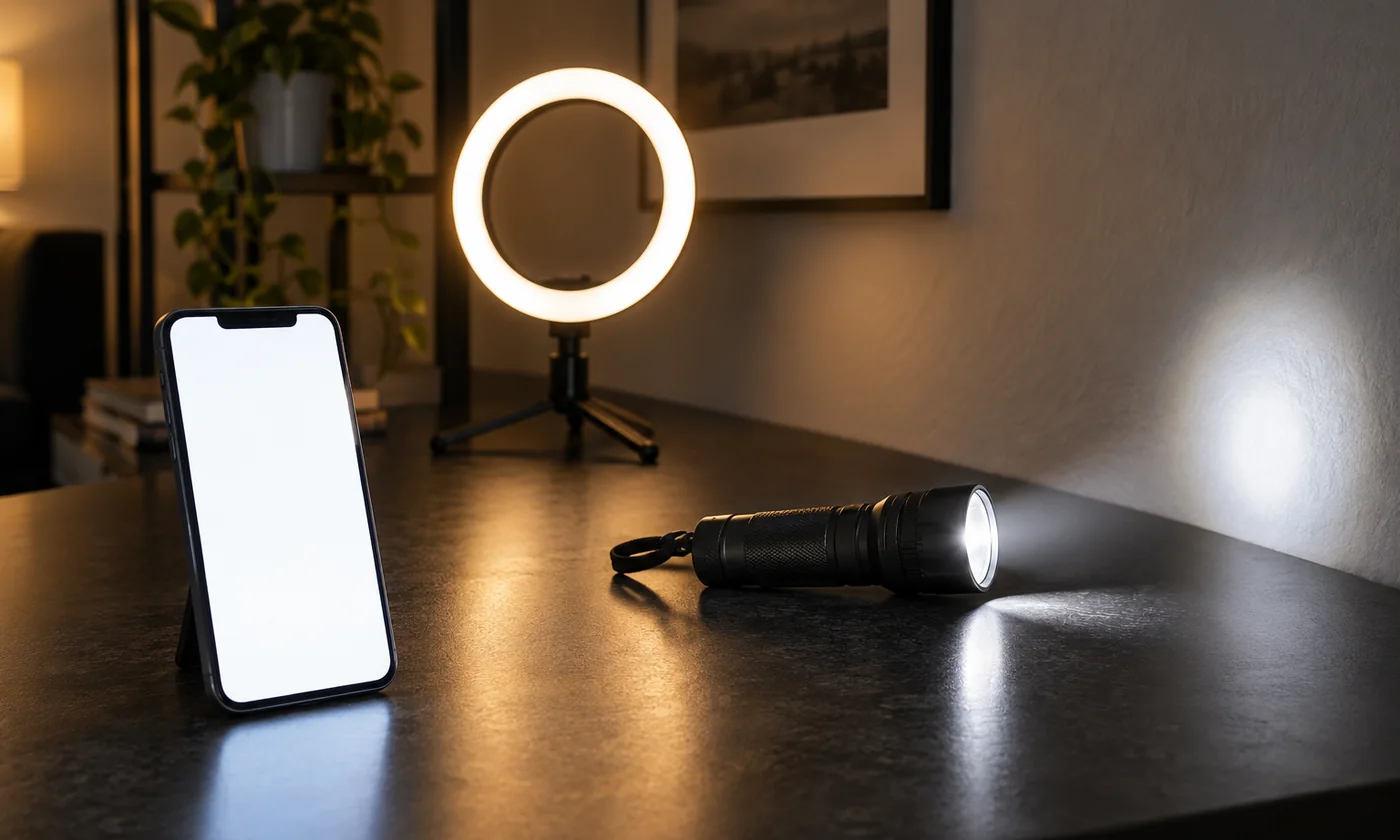
A bright phone can help you see your face when a room is dim. That does not mean every light on the device is equivalent. The rear LED flash, a screen-light app and a physical ring light place light in different positions, with different power and different limits.
The phone flash is a small, harsh point of light
The hardware flash on an iPhone is a compact LED, usually on the back of the device. At close range it can be intense and may create a small hotspot, hard shadows and glare. It is designed to add light for photos, not to sit in front of your face as a mirror.
Ring Light Mirror does not use that flash. If you want a nearby glow while you look at a live reflection, a screen-light app and the front camera are a different tool from turning the phone flash on and flipping the phone around.
A screen light sits in front of you
A screen-light app uses the display you already carry. In Ring Light Mirror, Ring places adjustable light around a live front-camera preview. Panel uses the whole screen as a light beside a separate mirror.
The useful range is short. The screen can illuminate a nearby face, but it will not light a room and it is not a calibrated lamp. Warm, natural and cool change how the light looks; they are not a measured color-temperature specification.
A physical ring light is separate equipment
A dedicated ring light can provide more output and cover a larger area, depending on the model. It also occupies space, needs power and is one more object to pack. A small clip-on light is not equivalent to a full-size lamp.
If you regularly need sustained illumination, both hands free, or light for a camera that is not your phone, dedicated hardware is the more practical choice. A phone screen is a convenient supplement, not a replacement for that equipment.
For makeup, calls and recording
A phone mirror can help with a quick visual check. The camera and display still process the image, so do not treat it as a color-accurate preview. Check foundation and blending in indirect daylight when the exact color matters.
Ring Light Mirror does not take photos or record video. Do not assume a mirror app can keep using the front camera while another app records or runs a call. If you film or take calls in poor lighting, a stable dedicated lamp is often more practical.
A simple way to choose
- Skip the phone flash when you want to see your face without a harsh point of light or without turning the phone around.
- Use a screen-light app for occasional touch-ups, travel and a setup with very little extra equipment.
- Choose a separate ring light when you need more output, a larger area or a setup that leaves your phone free.
Start with what you already have. Our iPhone mirror setup guide and screen light versus ring light comparison can help you judge whether the phone is enough before you buy another light.